

Updates·October 3, 2026, 00:21
Adobe Firefly can now create music, speech and sound effects with AI
AI-generated and checked against the sources listed below.
Adobe has made three new AI audio tools available to all Firefly users. You can now generate music, voices and sound effects directly in the program without paying extra.
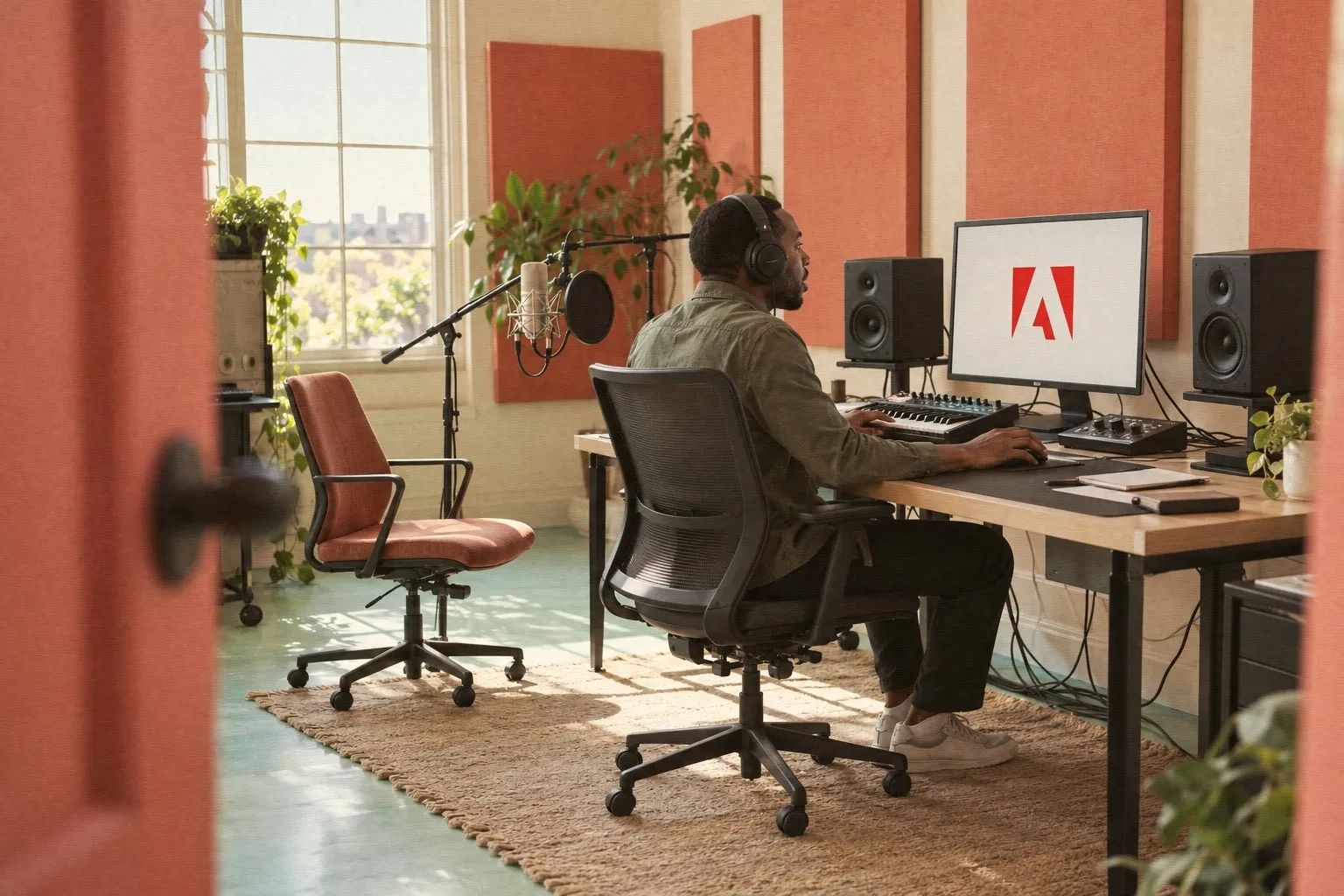
Adobe has expanded its AI tool Firefly so that it can now also create audio. Since August 20, all users have had access to three new features: Generate Music, Generate Speech and Generate Sound Effects.
Firefly is Adobe's AI system for creating images, video and now also audio. It is built into programs such as Photoshop and Premiere Pro, which many people use to edit video and images.
Music, voices and effects
With Generate Music, users can have original music made that automatically fits the length and mood of a video. The music is licensed to Adobe, so you avoid copyright problems if you want to use it in a video that will be shared or sold.
Generate Speech makes it possible to turn a script into a natural voice. You can choose the voice yourself and adjust the pace and emotion of the speech so that it matches what you show on screen.
The third feature, Generate Sound Effects, creates sound effects from a short text description. It could be, for example, the sound of footsteps, a door slamming or traffic in the background, automatically matched to the pace of the video.
No extra payment
What is special about the update is that all three audio tools are included in the regular Firefly subscriptions. So you do not have to pay for a separate audio service to use them.
For ordinary users, this means you can make a finished video with images, speech and music in one program, without having to get audio clips elsewhere or record your own voice. That can make it faster and cheaper to produce content for, say, social media or presentations.
Adobe also emphasizes that the music and audio are made to be safe for commercial use, that is, if you want to make money from the content you create.
What it means for you
If you use Firefly, Photoshop or Premiere Pro, you can now create music, voice and sound effects directly in the program. You do not need an extra subscription or to get audio clips elsewhere: it is included in the subscription you already have. Try generating a voiceover or background music the next time you edit a video for social media. Since the audio is licensed by Adobe, you can safely use it even if the video will be shared or sold.
Sources



Get the week's AI news in your inbox
Choose your level, topics and length. One email a week, unsubscribe at any time.
Subscribe to Promptly Newsletter