Your phone can now tell you how to hold the camera
Google has launched Guided Vision in Gemini Live on Android. The feature describes your surroundings aloud and guides users in aiming the camera so the AI can answer. It is designed especially for people who are blind or have low vision.
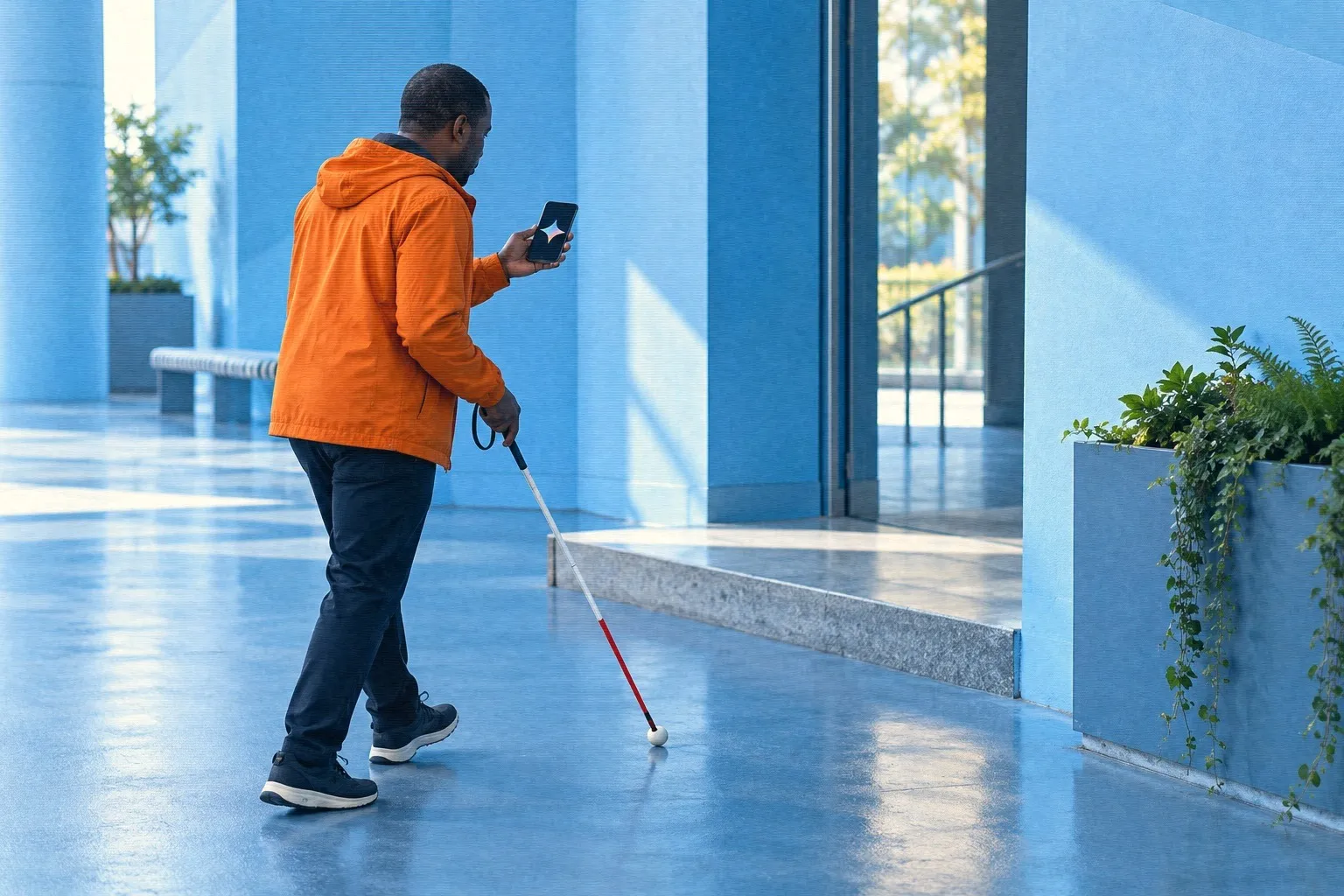
If you have ever taken a photo where half the subject is missing, you know the problem. For a blind or low-vision person, it is hard to know whether the camera is pointing in the right direction. Google wants to solve that with a new feature called Guided Vision in Gemini Live, which has now launched on compatible Android phones.
Gemini tells you how to turn the phone
When you share your camera in a conversation with Gemini Live and have turned on Guided Vision, Gemini describes your surroundings out loud. You can then ask follow-up questions, as you would with a person standing next to you.
If the camera is pointing too high, too close or slightly crooked, Gemini tells you how to fix it. That might mean panning slowly to the right, tilting the phone down or taking a step back. This gives the AI the view it needs to answer.
Google mentions use cases such as finding objects, cooking and choosing clothes, situations where a quick visual check matters.
Also for people who are not blind
The feature is aimed first and foremost at people who are blind or have low vision. But Google also points to older adults, people with low literacy and others who, for example, need to read small print in poor light.
Developed with users
According to Google, the feature was developed in close collaboration with the blind and low-vision community. A preview was shown earlier this month along with other accessibility tools for Android.
Google has also worked with Aira, which provides visual assistance to people who are blind or have low vision. Together they interpreted visual data equivalent to tens of thousands of hours to train Gemini Live for conversations in real-world situations. More than 1,000 members of Aira's network of trusted testers helped stress-test and refine the model in everyday scenarios. Aira specialists also served as subject-matter experts and helped define and evaluate safety guardrails. The information comes from Google itself.
An aid, not a replacement for a white cane
Google stresses that Guided Vision can make mistakes. It is not a medical device, not a mobility aid and not a replacement for a white cane. The feature is also not intended for navigation, guidance on safe travel or detecting obstacles. Users should continue to rely on established aids and safe travel practices.
How to get it
Guided Vision works on Android 9 and later, in the regions and languages where Gemini Live is supported. Both the Gemini app and Android must be up to date. Exactly which countries and languages are included is not stated in Google's announcement.
Updated 14 October 2026: The article has been rewritten from additional sources.
Read also


