

How-to·October 3, 2026, 08:01
How to create your own Skills in Google Gemini
AI-generated and checked against the sources listed below.
Google is replacing Gems in Gemini with "Skills," reusable instructions that can automate repetitive tasks. Here is what they are and how to create them.
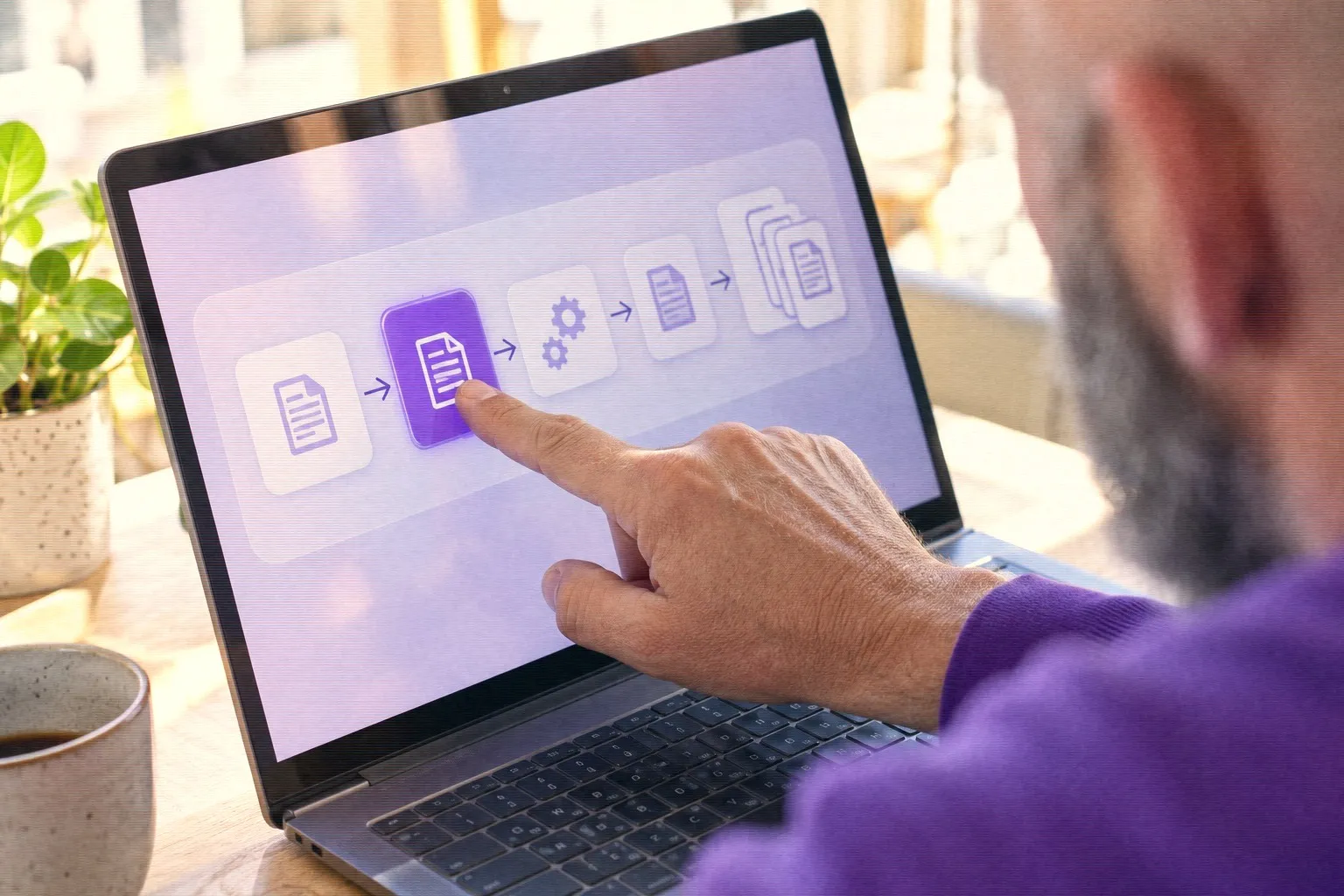
Google is in the process of letting Gemini users create their own "Skills." These are saved instructions that the AI can use again and again, so you do not have to write the same message every time.
According to Android Central and other media, Skills will replace the current Gems (Gemini's own mini-assistants) on November 17, 2026. You can use your Gems until then, but you will have to move to Skills at some point.
What is a Skill?
A Skill is a reusable instruction for a specific task, such as reviewing a contract or writing in your company's tone. According to Google's documentation, a Skill consists of a text file called skill.md containing the instruction itself. It can also contain scripts, files or background information that Gemini uses along the way.
Skills can be combined in the same conversation. Gemini is also supposed to recognize on its own when a Skill fits what you are asking for and use it without you having to point to it. You can also type the name of a Skill in the chat to call it up.
How to create a Skill
The method depends on where you use Gemini:
- Gemini Enterprise (web): Log in, choose Skills in the menu and click + New skill. Give it a unique name and a description. Then write the instructions in plain language in the chat, or edit the text manually. Click Create. The new Skill is turned on from the start. - Gemini in Chrome: Type a slash (/) in the text field to open the Skills menu. Click Add Skill +, enter a name and a prompt (your instruction), and save. - Gemini CLI (for developers): Ask Gemini to create a Skill for you with the built-in tool skill-creator. You can also create a folder with a SKILL.md file yourself.
What can you use them for?
In Chrome, Skills can, for example, translate a page, summarize content or extract data with one click. That can save time if you often do the same tasks, such as summarizing emails or correcting texts according to fixed guidelines.
A good Skill has a clear name and clear, concrete instructions. Google has a help page with advice on how to write effective Skills.
If you already have Gems that you use a lot, it is a good idea to look at how they can be moved over before the switch in November.
Sources



Get the week's AI news in your inbox
Choose your level, topics and length. One email a week, unsubscribe at any time.
Subscribe to Promptly Newsletter