

How-to·September 28, 2026, 03:01
How to install the AI image model Qwen-Image 2.1 in ComfyUI
AI-generated and checked against the sources listed below.
A new guide from tech-insider.org shows in 13 steps how to set up Alibaba's new AI image model Qwen-Image 2.1 yourself in the free tool ComfyUI. However, the model is only for research, not for commercial use.
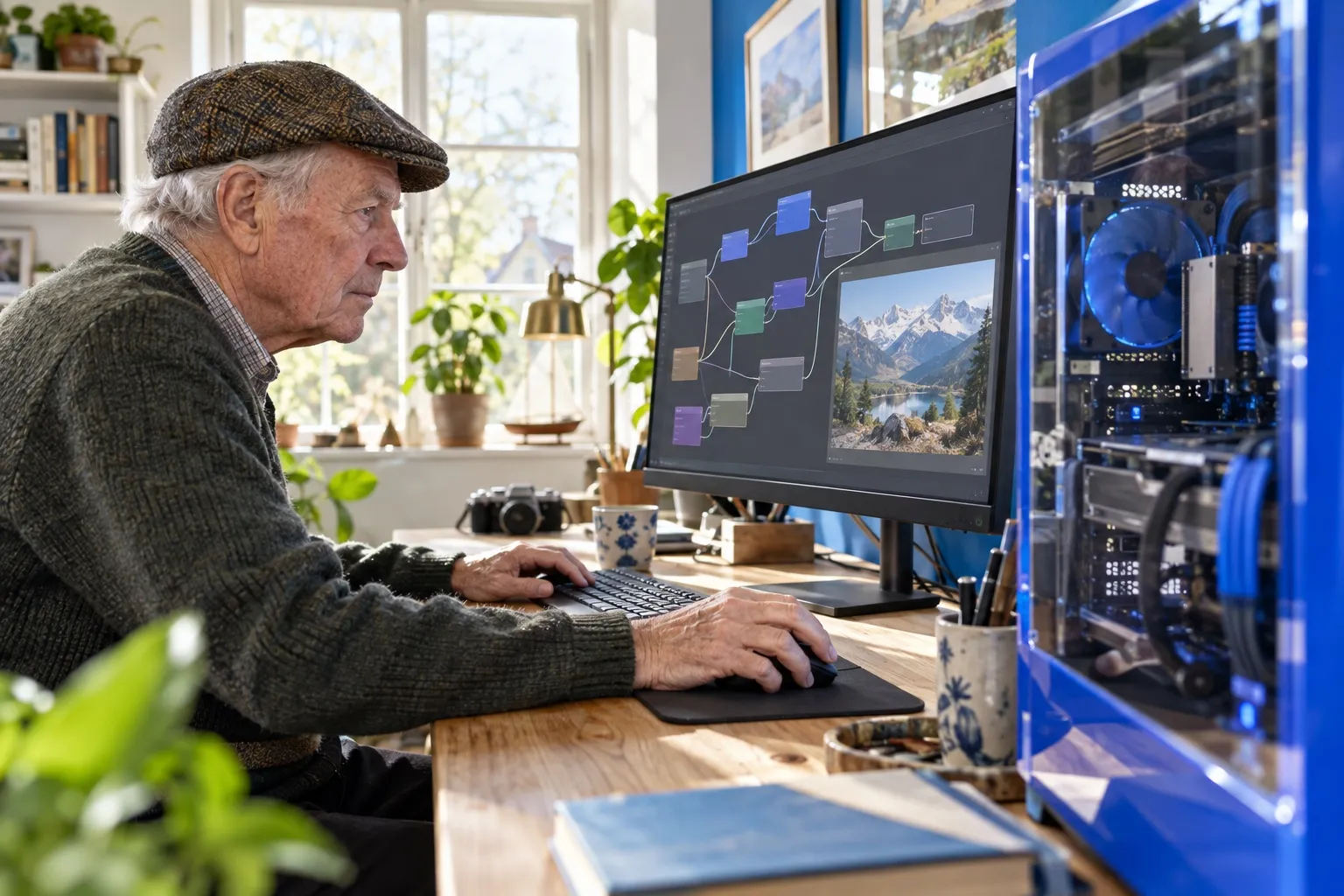
On September 20, 2026, the Chinese tech company Alibaba released a new AI model called Qwen-Image 2.1. The model can create images from a text description, edit existing images and make backgrounds fully transparent, without needing a separate tool afterward.
The model has 7 billion parameters, a measure of how much the model learned during training. Among other things, it can combine several reference images into one result and create images in high resolution (2048x2048 pixels).
Qwen-Image 2.1 is made to run locally on your own computer instead of in an app in the cloud. This is typically done through ComfyUI, a free tool where you build your image generation from small building blocks ("nodes") instead of writing code.
A new guide from the site tech-insider.org sums up the process in 13 steps: You first have to update ComfyUI, download three large files (the image model itself, a text model and a so-called VAE, which translates between image and numbers), and place them in the right folders. Then you load a ready-made workflow, test generating an image, and can finally build more advanced setups.
It requires a decent graphics card. According to the guide, you need at least 8 GB of VRAM, the graphics card's own memory, if you use a light, compressed version of the model. If you want full quality, 24 GB of VRAM or more is recommended.
An important detail: the model may only be used for research and testing. Earlier versions of Qwen-Image were freely available under an open license, but the new version requires you to apply to Alibaba for separate permission if you want to use it commercially.
The guide is aimed primarily at people who already know a bit about ComfyUI and AI image generation, but shows step by step how to get started with one of the newest open image models on the market.
Sources


Get the week's AI news in your inbox
Choose your level, topics and length. One email a week, unsubscribe at any time.
Subscribe to Promptly Newsletter