

How-to·September 22, 2025, 10:00
How to turn a photo into a character in a retro computer game
AI-generated from the sources listed, with automated source checks.
Google's image tool Nano Banana in the Gemini app can, among other things, turn a pet into a pixelated game character. An independent guide explains how to do it yourself with a portrait photo in five steps.
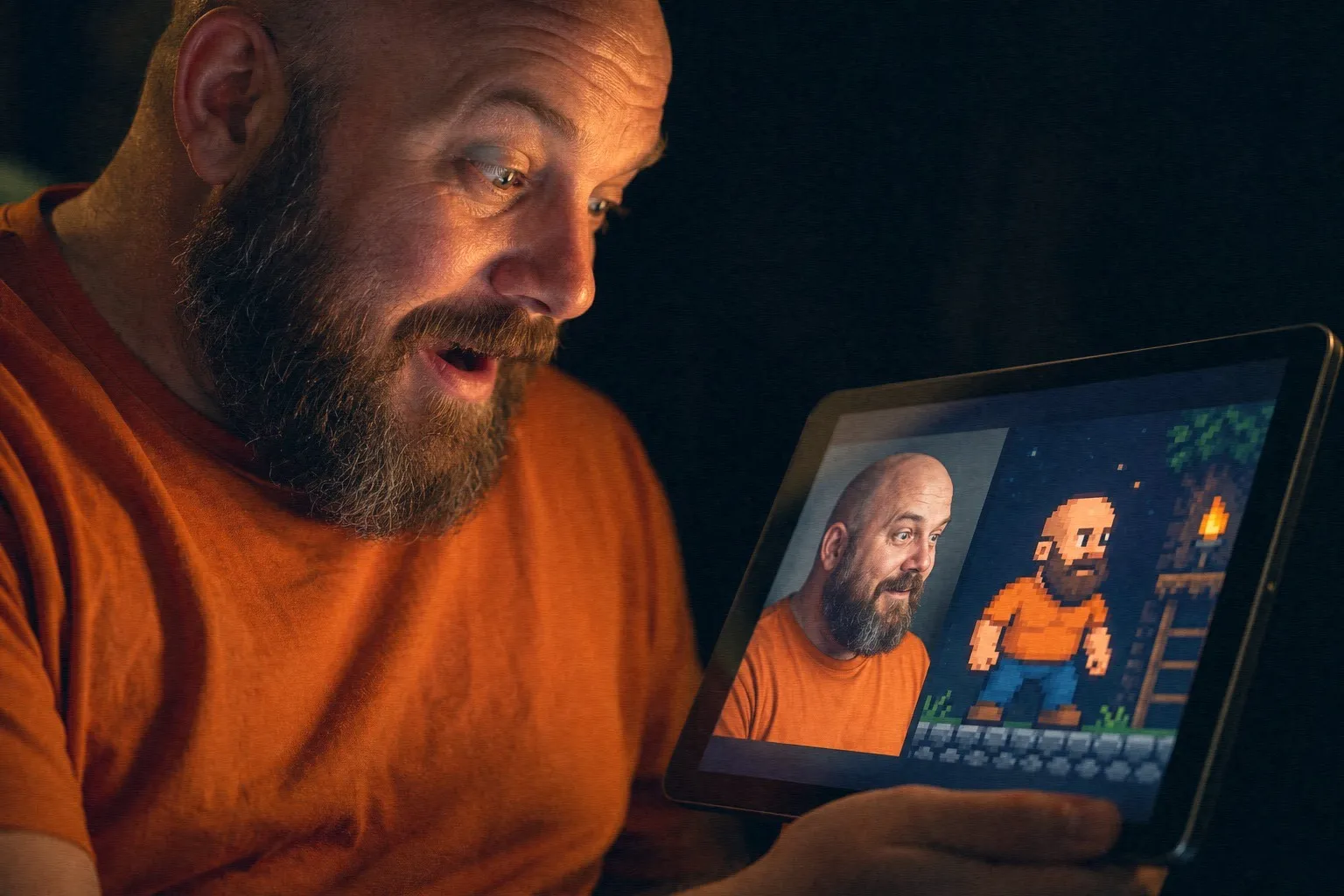
Want to see yourself or your pet as a character in an old-school computer game? You can try it with Nano Banana, an image editing feature in Google's Gemini app.
Google says the feature can keep a person or pet consistent across multiple edits, so the character still looks like the original. It can also blend several photos, change one part of an image without touching the rest, and transfer style from one subject to another.
Google's own example: a cat in a game level
In a blog post with ten examples, Google shows a prompt, meaning a text instruction to the AI: "Recreate this cat as a 16-bit video game character, and place the character in a level of a 2D 16-bit platform video game." The result is a cat turned into a pixelated character in a game level. 16-bit refers to the graphics style games had many years ago.
Google also shows another example in which a dog is turned into a small, realistic 3D model. It stands on a desk next to gift wrapping.
Five steps, according to a guide
Google's example involves a cat, not a portrait of a person. The examples with people come from a guide by Analytics Insight, which was not written by Google. It recommends these steps:
1. Open the Gemini app from the App Store or Google Play. 2. Upload a clear photo in which the face is easy to see. 3. Write a detailed prompt describing the game style you want. 4. Let the AI generate the image, and adjust colors, effects and clothing. 5. Save or share the result.
The guide suggests three templates for the prompt: a 16-bit arcade fighter with clenched fists and a neon background, a 16-bit fantasy wizard with a glowing staff in a dark forest, and a cyberpunk hacker in a neon city with a hood and glitch effects.
According to the guide, the prompt gives the user full control over clothing, backgrounds and effects.
Price and use of the images
The guide says creating a basic character is free, while high-quality export may require a paid subscription. It also says you should review Gemini's license terms if you want to use the character commercially. So that is something to check if you plan to use the image for anything beyond fun. Google's own blog post does not mention either point.
Sources
Found via Digit



Get the week's AI news in your inbox
Choose your level, topics and length. One email a week, unsubscribe at any time.
Subscribe to Promptly Newsletter