

How-to·September 17, 2026, 10:00
Descript can now create music and sound effects with AI
AI-generated and checked against the sources listed below.
The editing program Descript has received an update that can create background music and sound effects from a short description, as well as new designs for subtitles.
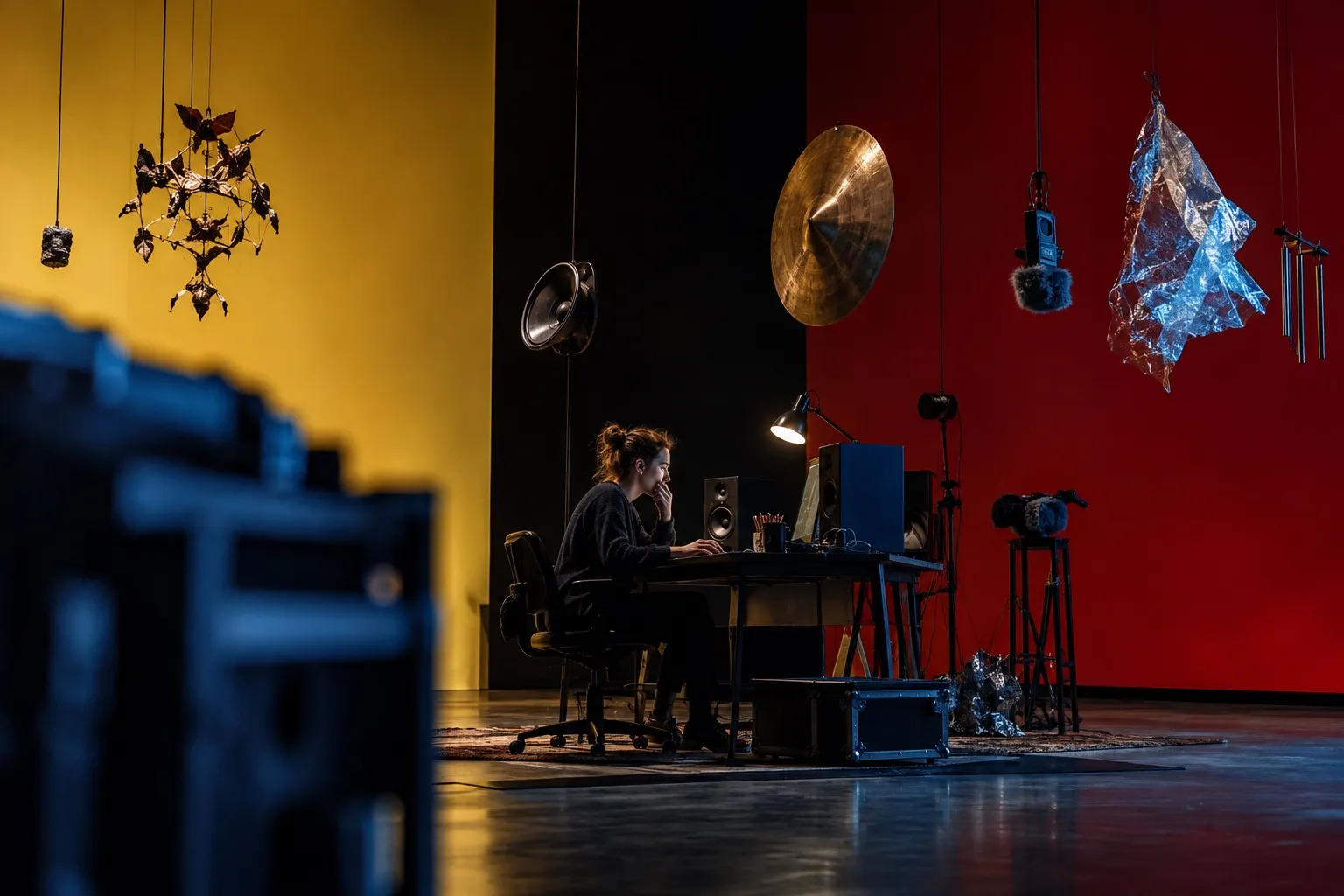
The editing program Descript, which many podcast and video creators use to edit by changing text instead of audio, received a major update on September 17.
The biggest news is that you can now ask Descript's AI to create background music and sound effects. Instead of searching for the right clip in a sound library, you simply describe what you need, and the AI places a suggestion directly on the timeline at the length you asked for.
Subtitles have also been overhauled. There are now 18 new designs and 10 new animations to choose from, so you can more quickly give your subtitles a particular look, for example for TikTok or Instagram. You can also search and filter among the designs, making it easier to find what you're looking for.
A third feature makes it possible to replace the audio in a recording with an artificial voice from the ElevenLabs voice library, which has eleven new voices to choose from. This can be used, for example, if you made a mistake in the recording and can't redo it, or if you want a more consistent voice throughout an entire video.
Descript has also added more ways to pay, including Apple Pay and Google Pay, and prices are now shown in the local currency during checkout.
For Danish users, the update means you can save time searching for music and sound effects, and you get more options for styling your subtitles without having to use a separate program. It's especially useful for smaller businesses and freelancers who make their own videos and podcasts without a dedicated editor on staff.
What it means for you
If you use Descript for podcasts or video, you can now save time by having the AI create music and sound effects instead of searching a library. You can also give your subtitles a new look right away, without extra programs, and quickly fix errors in a recording with an artificial voice. It's a particular advantage if you're self-employed or run a smaller business and edit your own videos.
Sources



Get the week's AI news in your inbox
Choose your level, topics and length. One email a week, unsubscribe at any time.
Subscribe to Promptly Newsletter