

Updates·August 26, 2026, 02:00
Free AI image generators in 2026: here are the most mentioned
AI-generated and checked against the sources listed below.
Several comparisons point to free tools that can create images from text. We have not been able to read tech-insider.org's own test, so this overview is based on other sources.
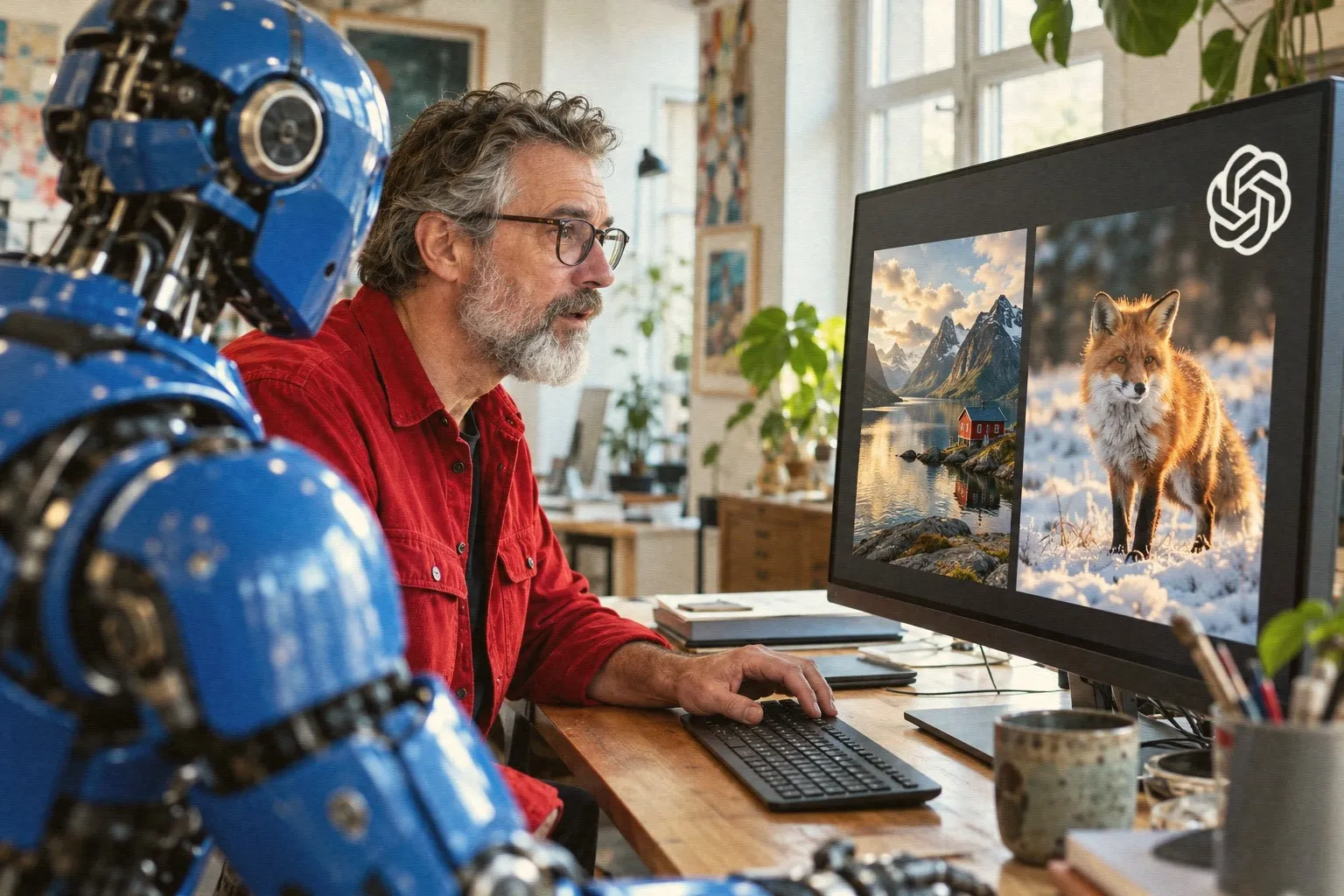
Today you can create images with artificial intelligence without paying. You just type a description, and the program draws the image. Most free offerings do, however, have a daily or monthly limit.
We have not been able to find tech-insider.org's own test, so below is what other comparisons from 2026 point to. The figures come from the services' own free tiers, which may change.
What they offer for free
Google Gemini is called the best free choice for most people by one of the sources. It has a clear free quota and requires only a little setup in the browser.
Ideogram gives 10 requests a day, equivalent to about 40 images. It is praised for good quality and for being able to render text in images, which many other generators are bad at.
Leonardo.ai gives 150 points a day, enough for about 30 to 75 images. More advanced features require payment.
Canva AI gives 50 uses a month for free and is a good fit if you already use Canva for posts or presentations.
Microsoft's Bing Image Creator is completely free and ties in with Windows and other Microsoft services. Krea gives 100 compute units a day, but video and commercial use require payment. Other names on the lists are NightCafe and Craiyon.
If you want unlimited use
For those with a bit of technical experience, Stable Diffusion or FLUX can run on your own computer. Then there is no daily limit, but it requires a powerful computer and some setup.
What it means for you
If you are a beginner, start with Gemini or ChatGPT, where you can write to the program and ask for revisions. If the image needs text, Ideogram is a good bet. Always check the terms if you want to use the images commercially, because free versions often have restrictions.
What it means for you
You can make images for posts, presentations or fun without paying, so try a few of them and see which one suits you. If you are a beginner, start with Gemini, where you just write what you want and ask for revisions. If the image needs text, Ideogram is a good bet, and if you already use Canva, you can make the images there. If the images will be used in your work, read the terms first, because free versions often have restrictions.
Sources

Get the week's AI news in your inbox
Choose your level, topics and length. One email a week, unsubscribe at any time.
Subscribe to Promptly Newsletter