

Updates·September 17, 2026, 17:06
Free AI tool turns a photo and audio into talking video
AI-generated and checked against the sources listed below.
The Chinese tech company Meituan has made a free tool openly available online. It can take a single photo and an audio recording and make a video in which the person in the photo appears to be speaking.
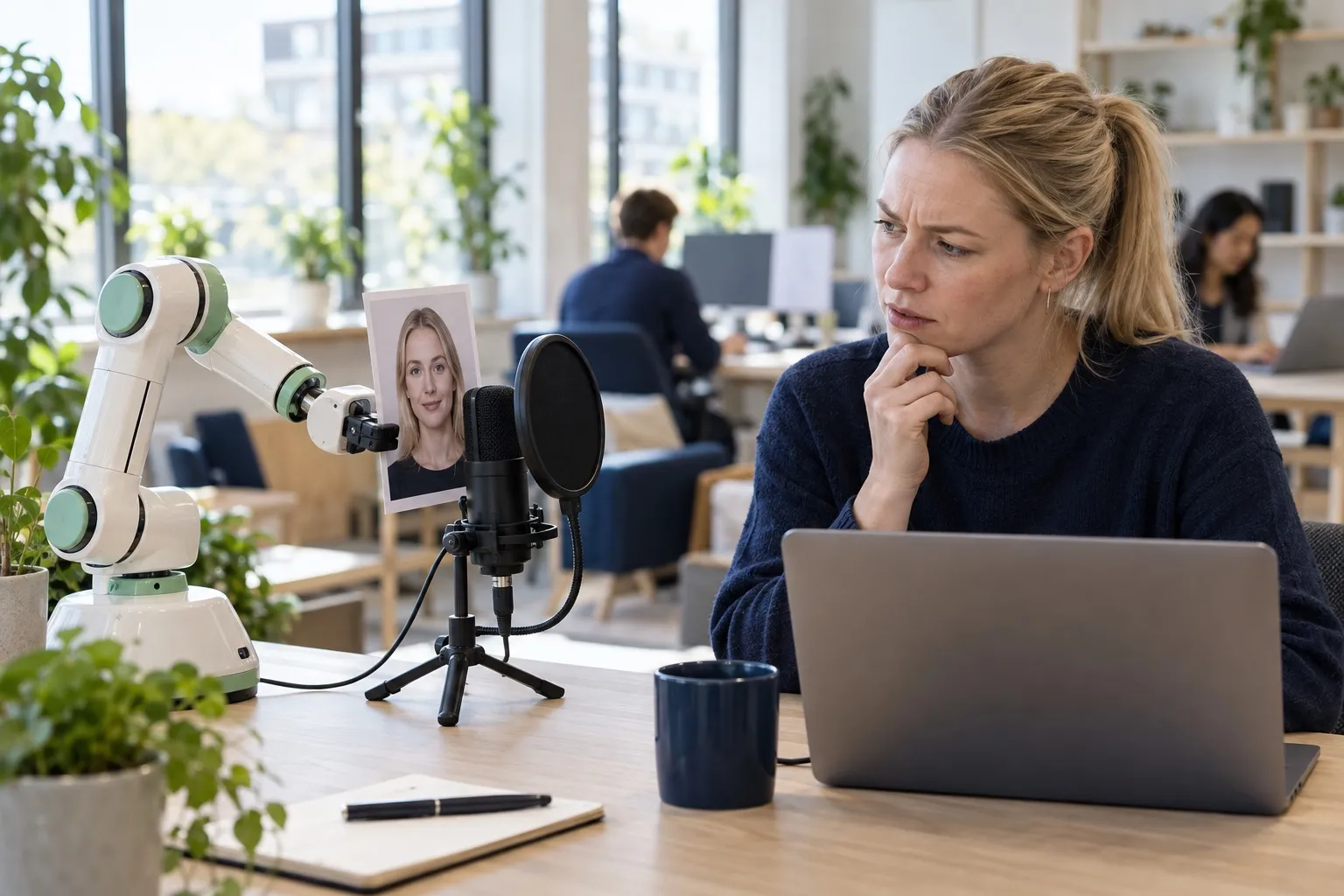
Meituan, a large Chinese tech company, has released a new AI tool called LongCat-Video-Avatar 1.5. An AI here is a computer program trained to recognize patterns in data, and in this case the program can take an ordinary photo of a face and an audio file with speech and make a video in which the person in the photo appears to be saying the words themselves.
The tool has been released for free online under an open license, which means both individuals and companies are free to use and build on it, including commercially.
Better lip sync
The new version has gotten better at recognizing speech and matching it with mouth movements, a technique often called lip sync. This is done using a different and more advanced speech analysis system than before. At the same time, the process of making the video itself has been sped up, so it now takes significantly fewer steps than before.
The tool can do more than make one person talk. It can also handle several people in the same video, each with their own audio track, and there's even a feature where you can create a talking character from text alone, without starting from a photo at all. The videos can be made in two different image qualities, and according to Meituan the idea is that the tool can be used for things like news reading, ads, cartoons and conversations between several people.
How to get started
The easiest way to try the tool is through a free demo page online, where you can test it directly in your browser without installing anything at all.
If you'd rather run the program yourself on your own computer, it requires a fairly powerful computer with an advanced graphics card, the kind normally used for computer games or heavy calculations. The official examples even run on two such graphics cards at the same time, but there's also a lighter version of the program that requires less computing power.
For those who want to get started technically, it also requires setting up a programming environment, installing a number of other programs and downloading the AI model itself from the internet. After that, you need a clear photo of a face and an audio file with speech to make your own video.
Data protection and consent
Meituan itself stresses that users should think carefully and comply with data protection rules before using the tool in sensitive contexts. It's a reminder worth noting: when technology can make images of real people talk, it's important to use it only with the consent of the person in the image.
What it means for you
You can use the tool if you make video content such as news reading, ads or cartoons, without having to film real actors. Try the demo page in your browser to see whether the quality fits your purpose. If you want to run the program yourself, it requires a powerful computer with an advanced graphics card. Only use other people's images if you have their consent.
Sources

Get the week's AI news in your inbox
Choose your level, topics and length. One email a week, unsubscribe at any time.
Subscribe to Promptly Newsletter