

How-to·April 4, 2024, 17:11
We do only slightly better than a coin flip at spotting AI images
AI-generated from the sources listed, with automated source checks.
In a large online game from Microsoft researchers, participants correctly judged whether an image was real or AI-made 62% of the time. The authors call the result only slightly better than flipping a coin.
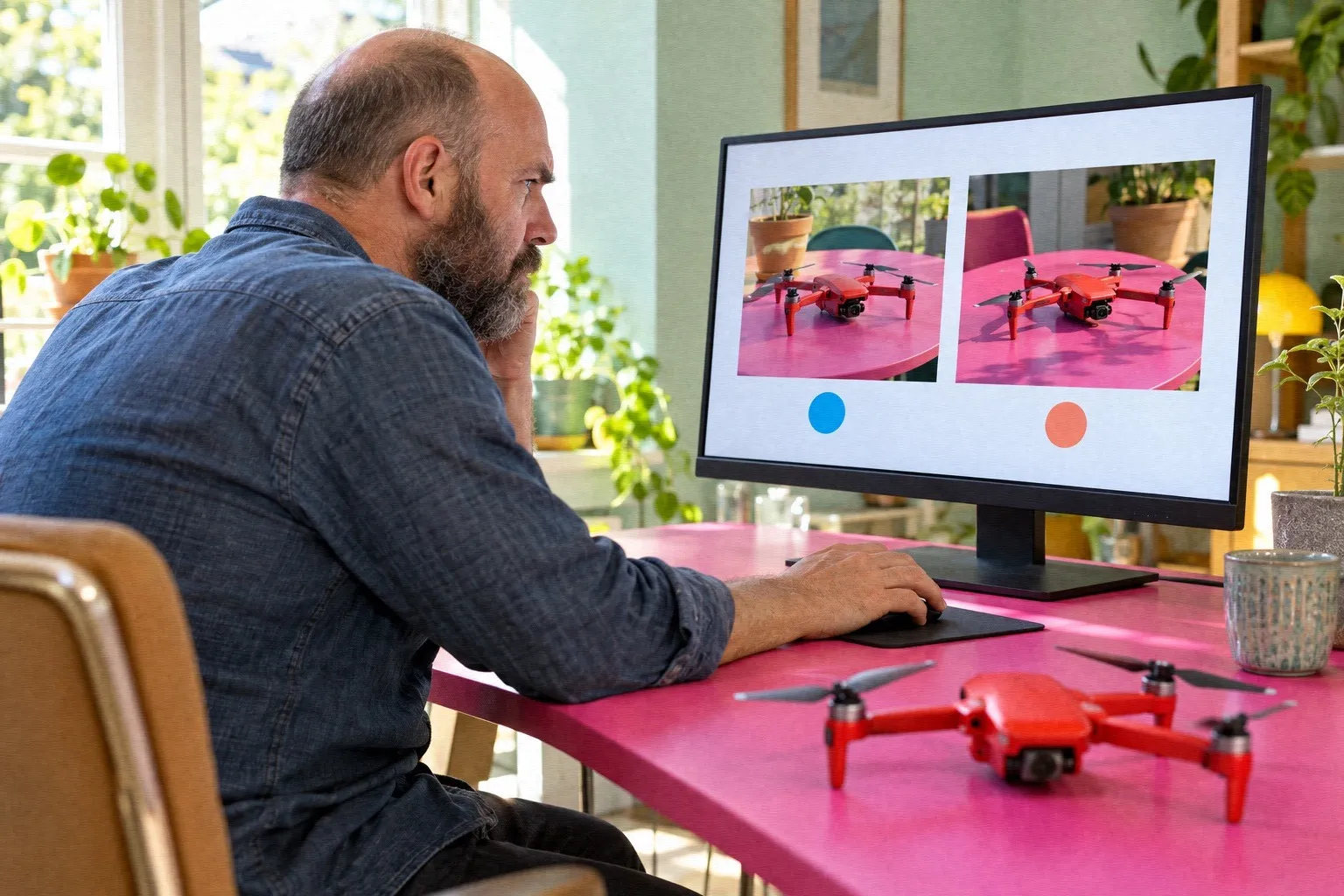
Can you tell a real photo from an image made by AI? It's harder than many think. That is the finding of a study by Microsoft researchers based on the online game "Real or Not Quiz."
In the game, participants had to decide whether an image was real or AI-generated. The analysis covers about 287,000 judgments from about 12,500 participants worldwide who completed the whole game.
Slightly better than chance
Overall, participants got it right 62% of the time. For the AI-generated images alone, the share was 63%. The authors call that only slightly better than flipping a coin.
The game used 350 royalty-free real images and about 700 AI images. They came from sources including DALL-E 3, several variants of Stable Diffusion, Amazon Titan v1, Midjourney v6 and so-called GAN models, which produce fake faces.
Participants were best with images of people, meaning portraits, and worst with nature and city landscapes.
Detector did better, but is not independently verified
The authors' own tool for spotting AI images was over 95% accurate, on both real and AI-generated images. However, this is the authors' own test and has not been verified by others.
The authors conclude that the results underscore the need for transparency, such as watermarks, and for robust detection tools against AI-based misinformation.
Caveats
The authors acknowledge that the selection of images does not represent all AI generators equally, and that the images are not equally photorealistic across models. As a result, robust comparisons of the models cannot be made. The results may also overestimate people's ability as AI advances. The figures apply to the game's selection of about 1,050 images and volunteer participants, and cannot simply be applied to everyone.
Tips from an independent guide
The guide from Techloy points to some signs to look for:
- Distorted details such as irregular textures, inconsistent lighting, asymmetrical facial features and unnatural hair. - Repeated patterns in the background, clothing, clouds and water. - Simple reflections that don't match the light source, and eyes without depth or with an unnatural shine. - Online tools such as IsItAI and AIorNot, as well as reverse image search, for example Google's. - A check of the source and of metadata such as camera, date and location.
The tips are general advice, and their effectiveness has not been measured. The guide itself warns that the methods may become less reliable as AI images become more advanced.
Sources
- arXiv: How good are humans at detecting AI-generated images? Learnings from an eRead more
- Techloy: 5 easy ways to detect an AI-generated imageRead more
Found via Microsoft

Get the week's AI news in your inbox
Choose your level, topics and length. One email a week, unsubscribe at any time.
Subscribe to Promptly Newsletter